笔记是最容易积累、也最难整理的知识资产。AI Note Taking App 能自动整理、关联、检索你的笔记,让碎片知识真正变成可用的资源。
我实测了5款主流的AI 笔记工具,从整理能力、AI辅助写作、跨平台同步三个维度对比吗,告诉哪个适合你。或者你可以使用本站的AI对比工具先进性简单的对比:AI对比工具
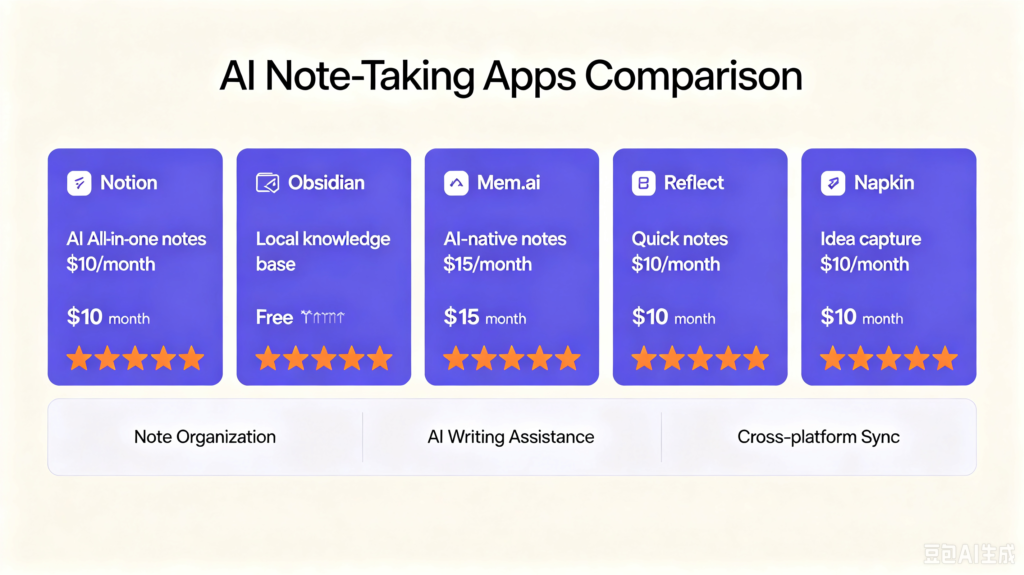
我实测的 5 款工具 AI Note Taking App
| 工具 | 定位 | 价格 |
| Notion AI https://www.notion.com | 全能型笔记 + AI 写作 | 免费 + AI $10/月 |
| Obsidian + AI 插件 https://obsidian.md/ | 本地优先知识库 | 免费基础版 |
| Mem.ai https://get.mem.ai/ | AI 原生笔记 | 免费 + Pro $15/月 |
| Reflect https://reflect.app/ | 快速笔记 + AI | $10/月 |
| Napkin https://www.napkin.ai/ | 灵感捕捉 + AI 整理 | $10/月 |
AI Note Taking App 3个维度对比
对比维度 1:笔记整理能力
Notion AI
评分:⭐⭐⭐⭐
优点:数据库强大,能自动生成目录、摘要
缺点:大量笔记时性能下降
Mem.ai
- 优点:AI 自动关联相关笔记,无需手动分类
- 缺点:功能相对简单
- 评分:⭐⭐⭐⭐⭐
Obsidian + AI 插件
- 优点:本地存储,隐私性强
- 缺点:AI 功能需额外配置
- 评分:⭐⭐⭐⭐
对比维度 2:AI 辅助写作
Notion AI
- 能基于笔记生成文章、总结、翻译
- 适合”笔记 → 文章”的工作流
- 评分:⭐⭐⭐⭐⭐
Mem.ai
- 能基于历史笔记回答问题
- 适合”知识库问答”
- 评分:⭐⭐⭐⭐
Reflect
- 能自动生成每日回顾
- 适合”每日复盘”
- 评分:⭐⭐⭐⭐
对比维度 3:跨平台同步
| 工具 | 桌面端 | 移动端 | 离线访问 |
| Notion | ✅ | ✅ | ❌ |
| Obsidian | ✅ | ✅ | ✅ |
| Mem.ai | ✅ | ✅ | ❌ |
| Reflect | ✅ | ✅ | ❌ |
| Napkin | ❌ | ✅ | ✅ |
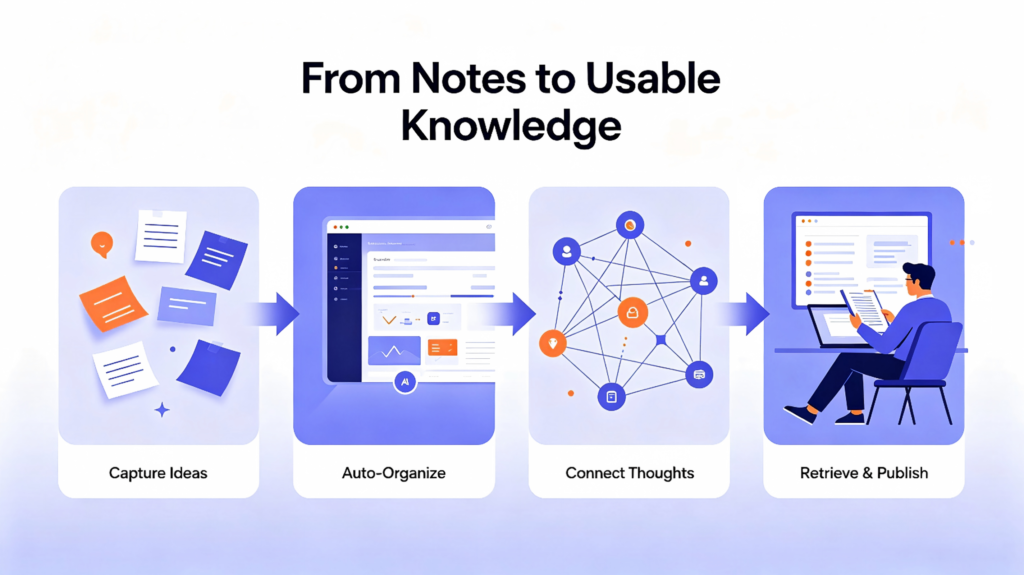
AI Note Taking App 使用建议
重度笔记用户 → Notion AI
数据库功能强大,适合团队协作。
隐私优先用户 → Obsidian + AI 插件
本地存储,数据完全掌控。
灵感捕捉场景 → Napkin
快速记录,AI 自动整理关联。
知识库问答需求 → Mem.ai
问”我之前写过关于X的笔记吗”,它能准确回答。
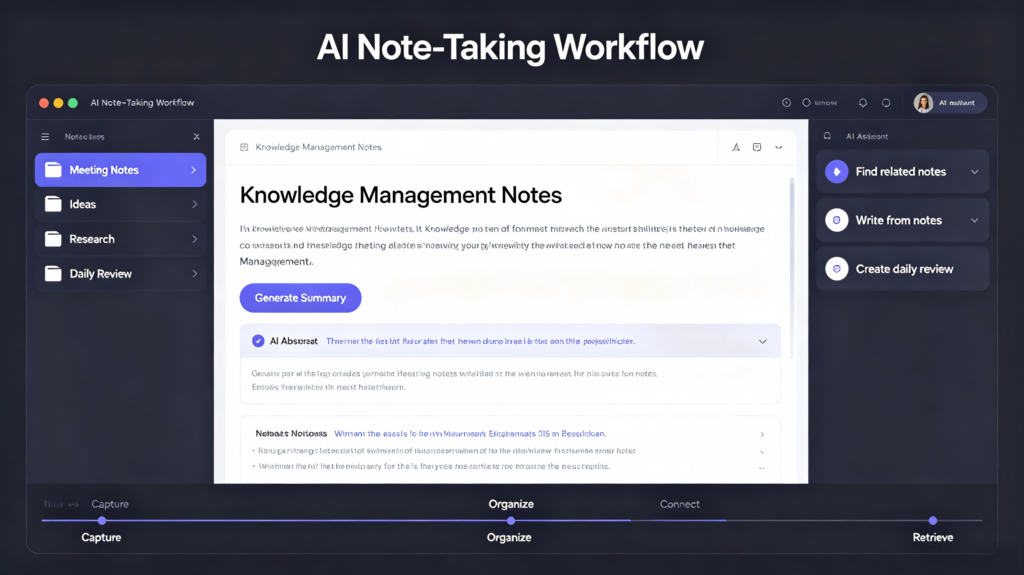
总结
AI note taking app 的核心价值不是”替你写笔记”,而是”帮你从笔记中提取价值”。选一个适合你工作流的,让知识真正流动起来。
Notes are the easiest knowledge asset to accumulate, yet the hardest to organize. AI note-taking apps automatically sort, connect and search your notes, turning fragmented information into usable resources. Many people spend years jotting down ideas, meeting records and reading takeaways, only to let these notes sit idle in folders and never get reused. Intelligent note tools solve this pain point by discovering hidden connections between scattered thoughts.
I tested 5 mainstream AI note-taking tools and compared them across three dimensions: organization capability, AI writing assistance, and cross-platform sync, to help you find the right fit. You can also run quick comparisons via our site’s AI tool comparator.
5 AI Note-Taking Tools Reviewed
| Tool | Positioning | Pricing & Link |
|---|---|---|
| Notion AI | All-in-one notes & AI writing | Free + AI Add-on $10/monthhttps:/www.notion.com |
| Obsidian + AI Plugins | Local-first knowledge base | Free base versionhttps:/obsidian.md |
| Mem.ai | Native AI note platform | Free tier + Pro $15/monthhttps:/get.mem.ai |
| Reflect | Quick notes with AI | $10/monthhttps:/reflect.app |
| Napkin | Idea capture & AI organization | $10/monthhttps:/www.napkin.ai |
Three Core Comparison Dimensions
1. Note Organization
Notion AI Rating: ⭐⭐⭐⭐ Pros: Robust database, auto-generates outlines and summaries Cons: Sluggish performance with massive note libraries
Mem.ai Pros: AI automatically links related notes; manual categorization unnecessary Cons: Relatively limited feature set Rating: ⭐⭐⭐⭐⭐
Obsidian + AI Plugins Pros: Local storage with strong privacy protection Cons: AI functions require extra setup Rating: ⭐⭐⭐⭐
2. AI Writing Assistance
Notion AI Generates articles, summaries and translations from existing notes Perfect for the workflow: Notes → Published content Rating: ⭐⭐⭐⭐⭐
Mem.ai Answers questions based on your past notes Ideal for knowledge base querying Rating: ⭐⭐⭐⭐
Reflect Automatically creates daily review digests Great for daily reflection routines Rating: ⭐⭐⭐⭐
3. Cross-platform Sync
| Tool | Desktop | Mobile | Offline Access |
|---|---|---|---|
| Notion | ✅ | ✅ | ❌ |
| Obsidian | ✅ | ✅ | ✅ |
| Mem.ai | ✅ | ✅ | ❌ |
| Reflect | ✅ | ✅ | ❌ |
| Napkin | ❌ | ✅ | ✅ |
Recommendations
– Power note-takers → Notion AI Powerful database features, suitable for team collaboration.
– Privacy-focused users → Obsidian + AI Plugins Local file storage lets you fully control your data.
– Quick idea capturing → Napkin Fast input, AI auto-organizes and connects ideas.
– Knowledge base query demands → Mem.ai Accurately retrieves relevant content when you ask about past notes.
Wrap-up
The core value of AI note-taking apps is not writing notes for you, but unlocking value from your existing notes. Keep in mind that no tool can replace active thinking. These applications act as assistants to reduce repetitive sorting work, rather than a shortcut to learning. If you rely blindly on AI to organize ideas without deliberate review, your knowledge system will still stay fragmented. Different AI note tools excel in distinct scenarios, so switching rigidly between multiple apps will also disrupt your workflow and reduce efficiency. Choose a tool aligned with your long-term workflow and let your knowledge circulate and grow effectively.
Want to build your personal knowledge system? Be sure to stay tuned to our website for the latest updates. We will continuously launch brand-new practical articles, in-depth tool evaluations, and immersive user experience blogs in the near future. We keep track of the iterative updates and functional upgrades of various AI note-taking tools in real time, sorting out the latest practical tutorials and usage tips to help every knowledge worker keep up with the latest industry trends, optimize personal note-taking workflows, and maximize the value of AI knowledge management tools.